Before an S3 application can store objects on a tape storage system with PoINT Archival Gateway (PAG), a so-called object repository has to be created in PoINT Archival Gateway. An object repository is a kind of container for objects with overall configuration options.
PoINT Archival Gateway does not limit the maximum number of objects that can be stored in an object repository. A reference point for the maximum number of objects per object repository is 50 billion. The number of repositories that can be created in PAG is not limited by the program. A guideline for the maximum number of repositories is 10,000.
AWS has introduced the term “bucket” to describe an object repository. Both terms are used interchangeably. We will use the term bucket in this article.
PoINT Archival Gateway (PAG) offers three possibilities to create buckets. In this article these possibilities are explained.
- PAG Admin Web GUI
- PAG .NET/JAVA API
- AWS S3 API
The following sections describe the steps and functions of each option.
1. PAG Admin Web GUI
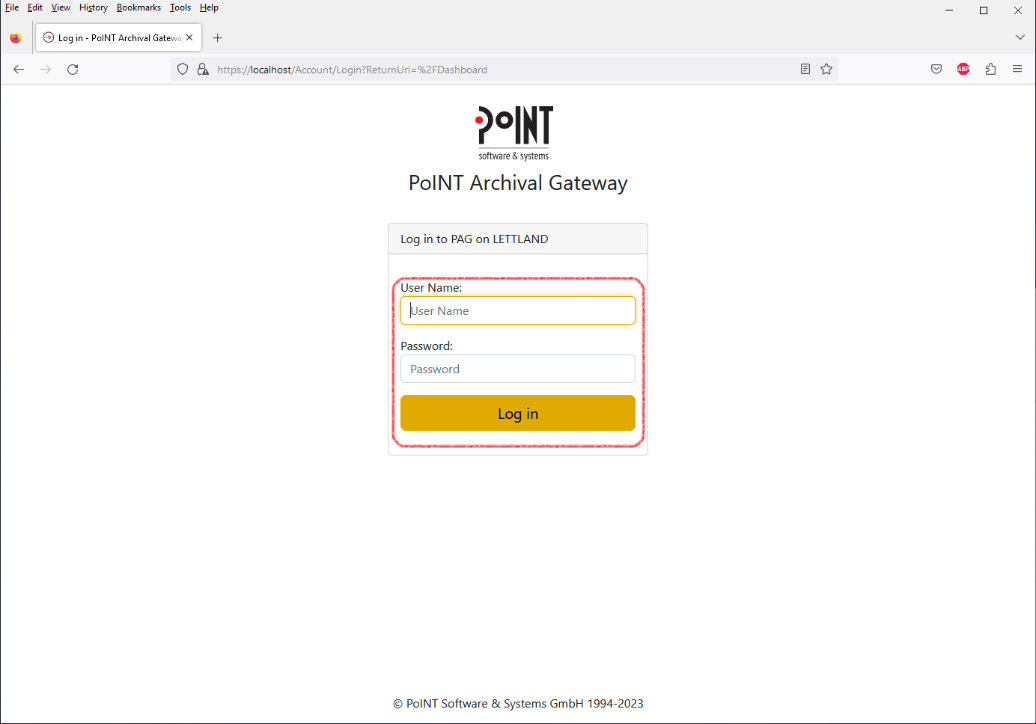
Log in to PAG Admin WebGUI:
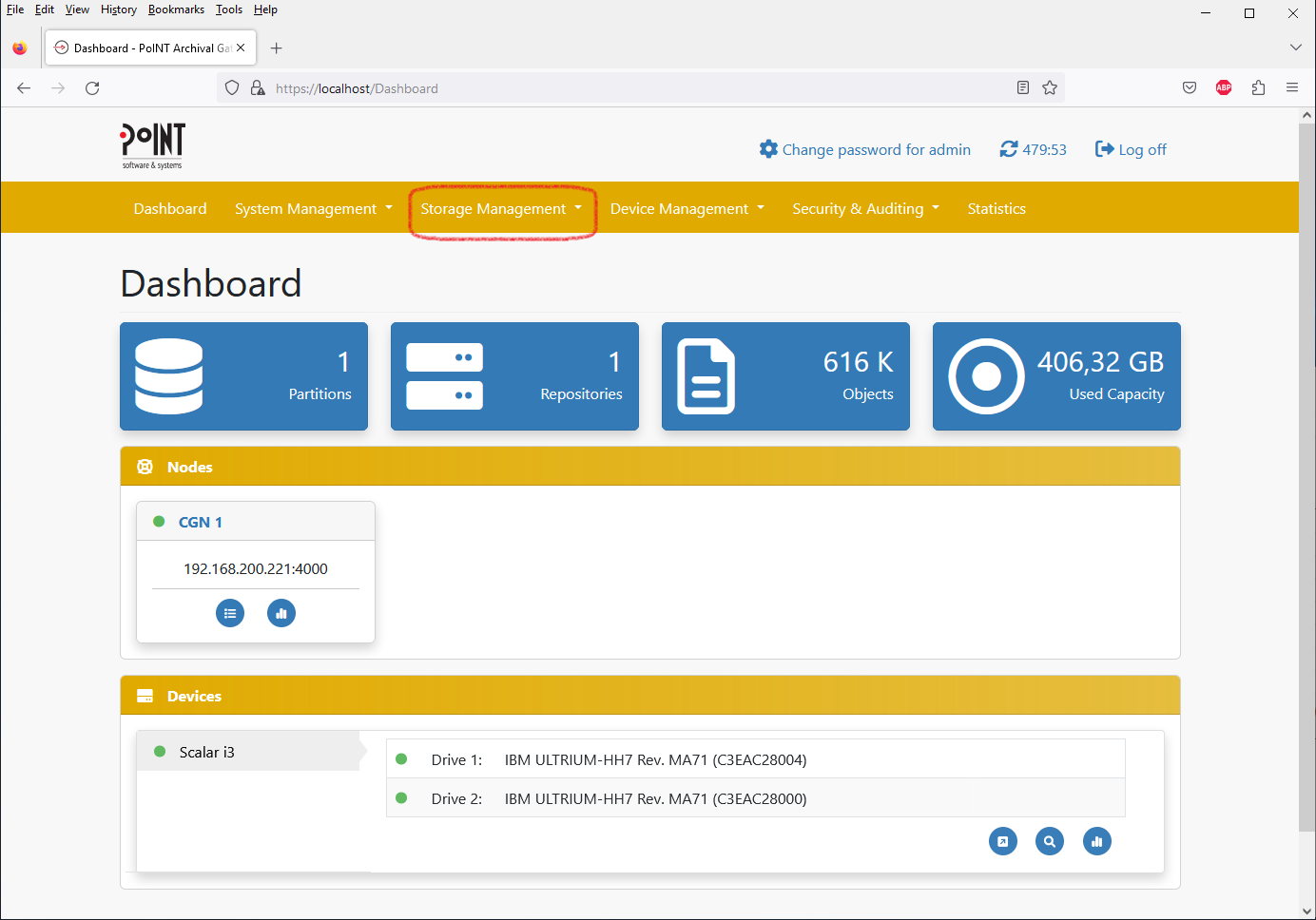
Select “Storage Management > Storage Partitions”:
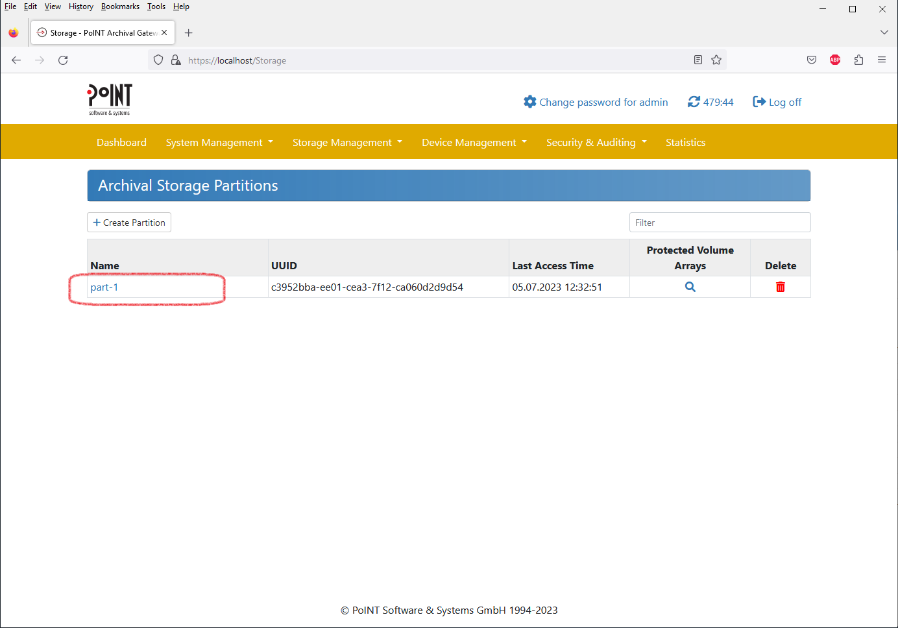
Select the Storage Partition where you want the bucket to be located:
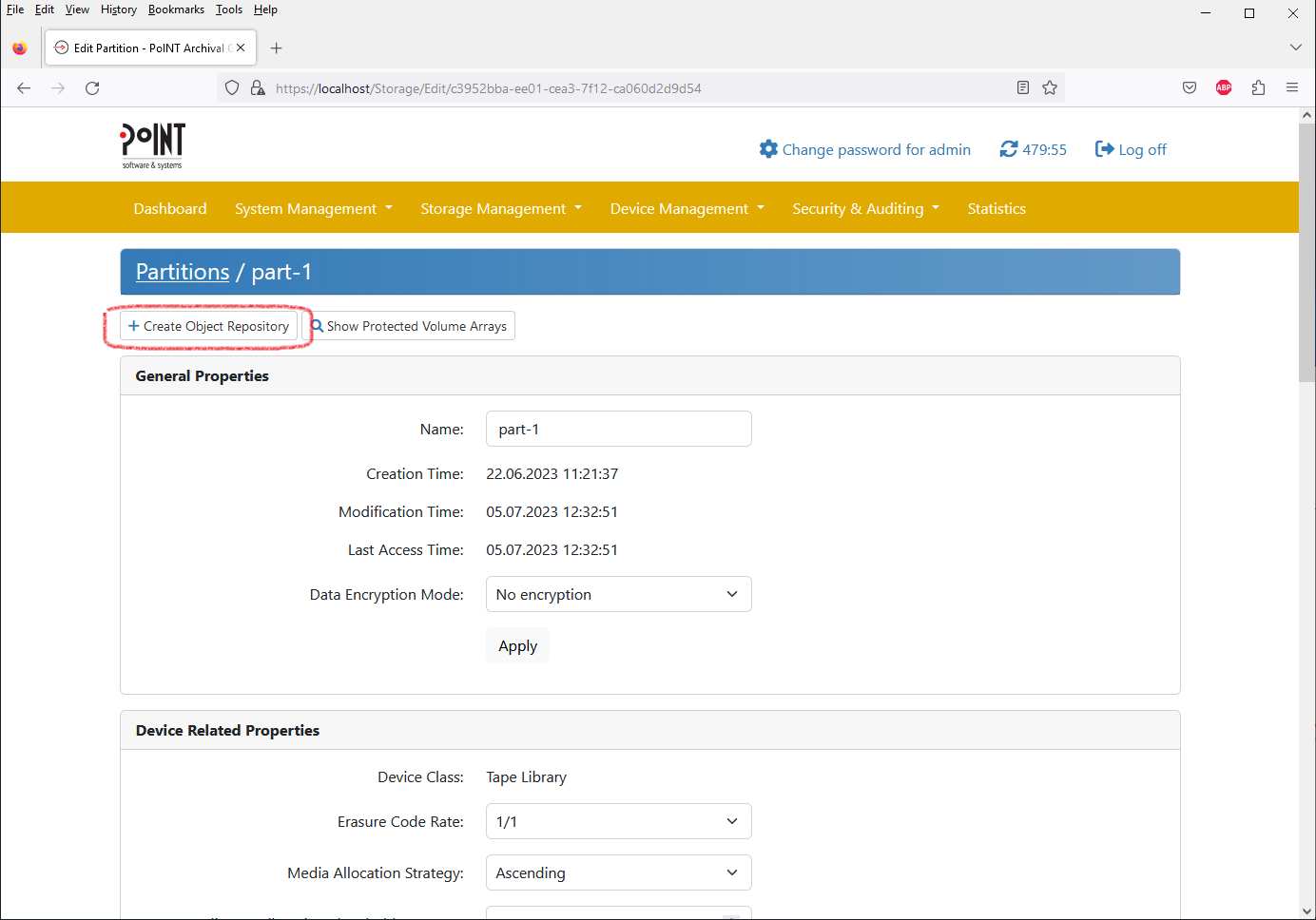
Select “Create Object Repository”:
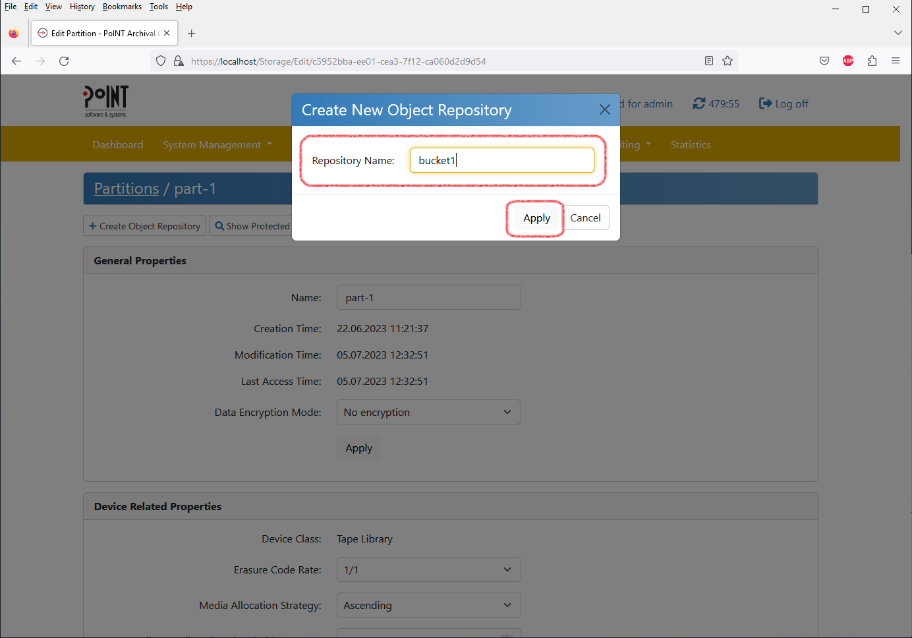
Name the bucket and press “Apply”:
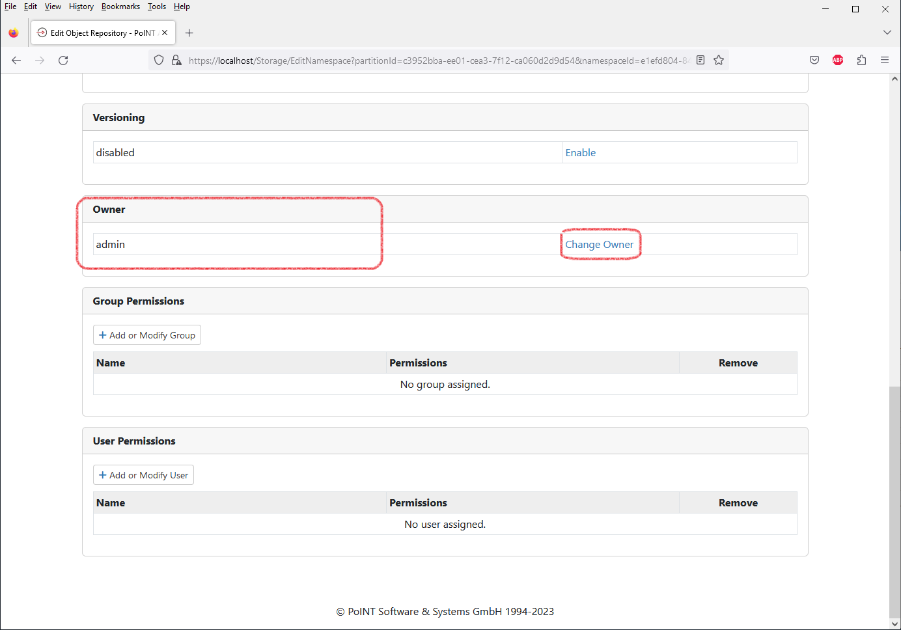
Scroll down to the “Owner” section and click “Change Owner”:
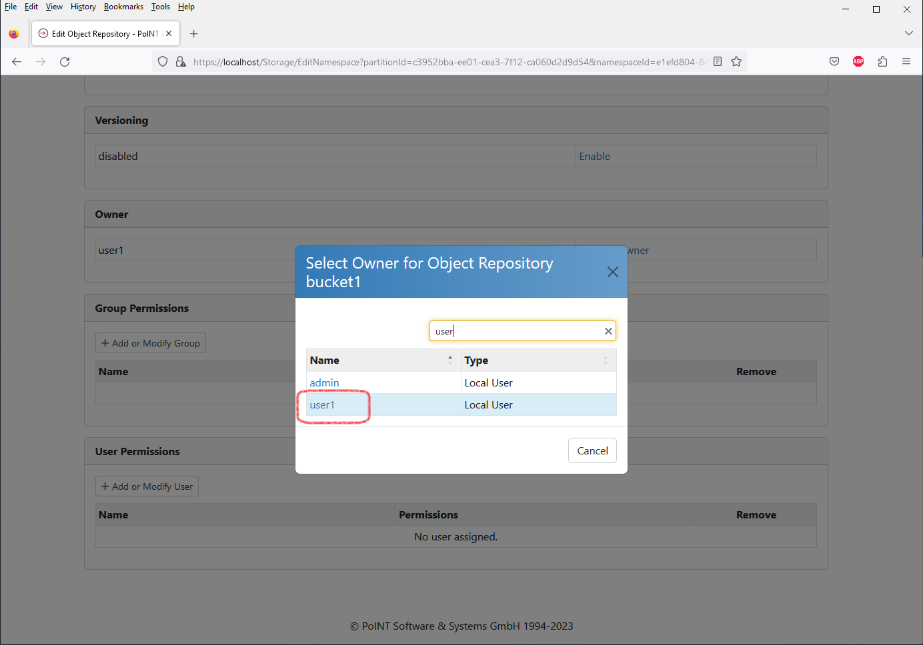
Select the user who you want to be the owner of this bucket:
2. PAG .NET/JAVA API
- Establish connection to PAG using PagConnection::ConnectToDatabaseNode()
- Find Storage Partition to create bucket using PagConnection::EnumPartitions()
- Create bucket (object repository) using PagConnection::CreateObjectRepository()
For details on the API functions refer to the PAG API specification.
3. AWS S3 API
- S3 Operation: CreateBucket